Build a Shopify product quiz without an app, and know what you give up
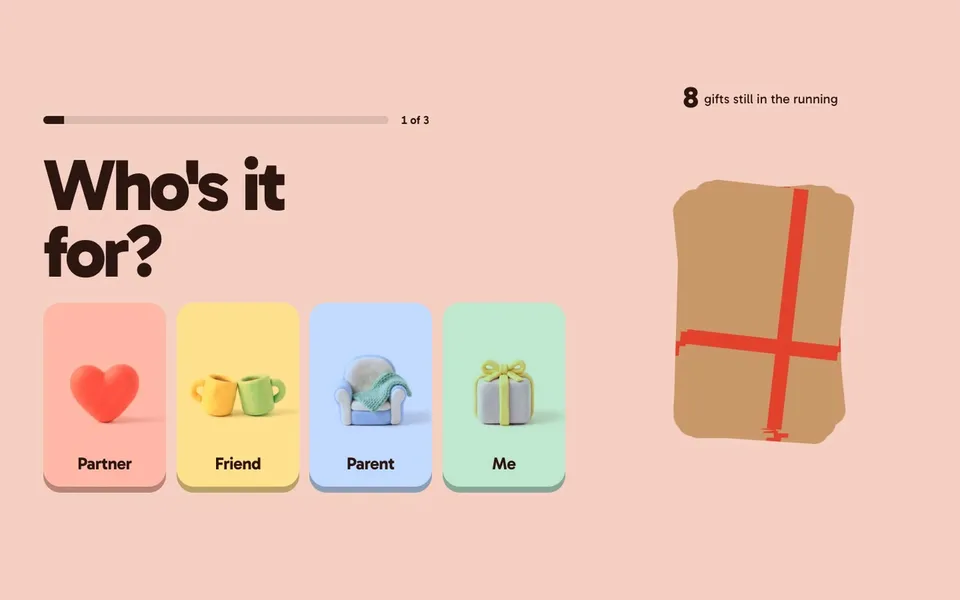
A product quiz is a short list of questions and a way to match answers to products. Your product tags can do the matching. The hard part is avoiding a results page with nothing on it.
A Shopify store locator without an app, and how far it scales
For a few dozen locations, a store list in your theme is faster and easier to maintain than an app. Somewhere past that, it stops being the right tool, and the reason isn't the map.
Shopify product bundles without an app: what a section can do, and where it stops
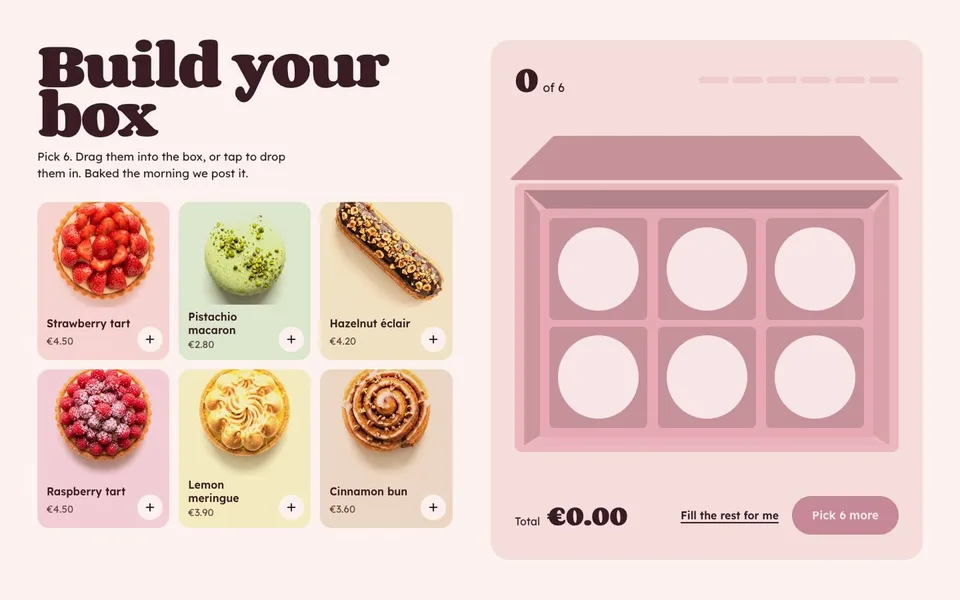
A theme section can sell a pick-your-own box and add it all to the cart in one click. It cannot change a price. The discount has to come from Shopify, and knowing that split saves you from building the wrong thing.
How to use Shopify metafields in a section, and why yours might print the wrong thing
Start from what you're seeing on the page. Most metafield problems come down to the type, the template or the blank check, and each has a one-line fix.
Build a Shopify product comparison table that reads from your metafields
The table itself is the easy part. What makes one last is where the data lives, so that a spec changed on a product changes everywhere, and how it behaves on a 390-pixel screen.
The Shopify Liquid for loop, with the examples you actually need
A reference you can copy from, built around real theme jobs: product grids, every-third-item layouts, the last few products, and collections bigger than 50.
A Shopify testimonials section without an app: code, layout choice and honesty rules
Testimonials you've collected and chosen can live in a theme section with no monthly fee. Whether that's enough depends on one thing: do you also need your customers to submit them?
How to build a Shopify gift guide page that shoppers can actually use
A worked example from start to finish: one imaginary candle shop, three budget tiers, a page template you can reuse every year, and a gift finder made from an ordinary form.
How to add an FAQ section to Shopify, and what FAQ schema does now
Older advice says FAQ schema earns you dropdowns in Google. Google removed those in 2026. An FAQ is still worth having, for the reasons that were always the better ones.
"Invalid JSON in tag 'schema'": how to find the broken character
Shopify tells you the JSON is broken and often doesn't say where. A browser console will tell you the line and column, and there are only about ten things it can be.
Build a door-a-day advent calendar in a Shopify section
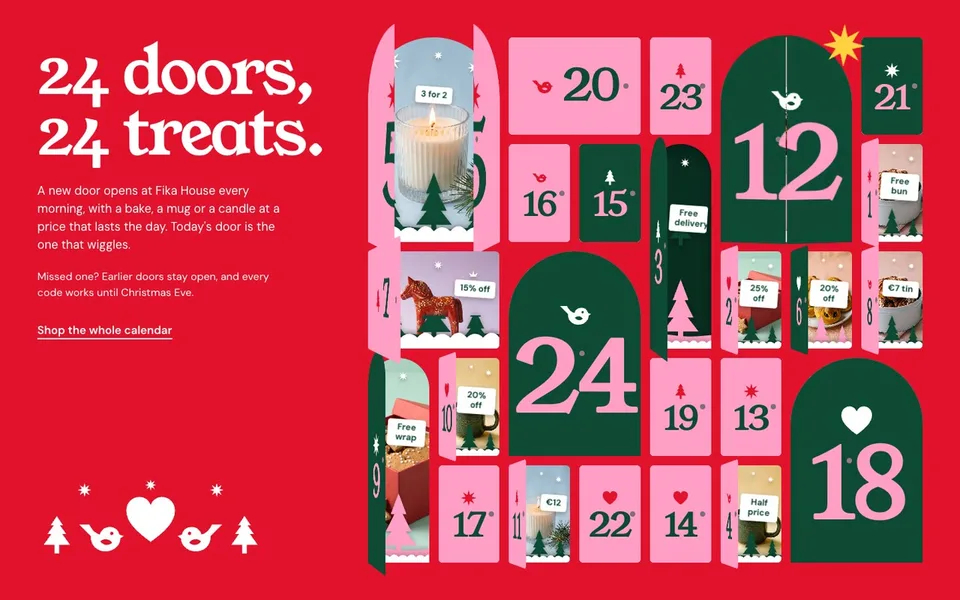
The doors are the easy part. The hard part is deciding whose midnight opens them, and making sure a code found in the page source is useless until its day.
Black Friday on Shopify with sections, not a new theme
Black Friday 2026 is Friday 27 November and Cyber Monday is the 30th. That leaves enough time to change a few sections properly and too little to change themes safely.
Shopify Dawn theme customization: what the editor can do, and when to add code
Most Dawn changes need no code at all, a few need a line of CSS, and the rest are safest as a new section file. Find your change in the table, then read the part that applies.
Shopify Liquid errors: what each message means and how to fix it
Look up the words on your screen in the tables below. Then the walkthrough shows how to find the line, fix it safely and get back an earlier version if needed.
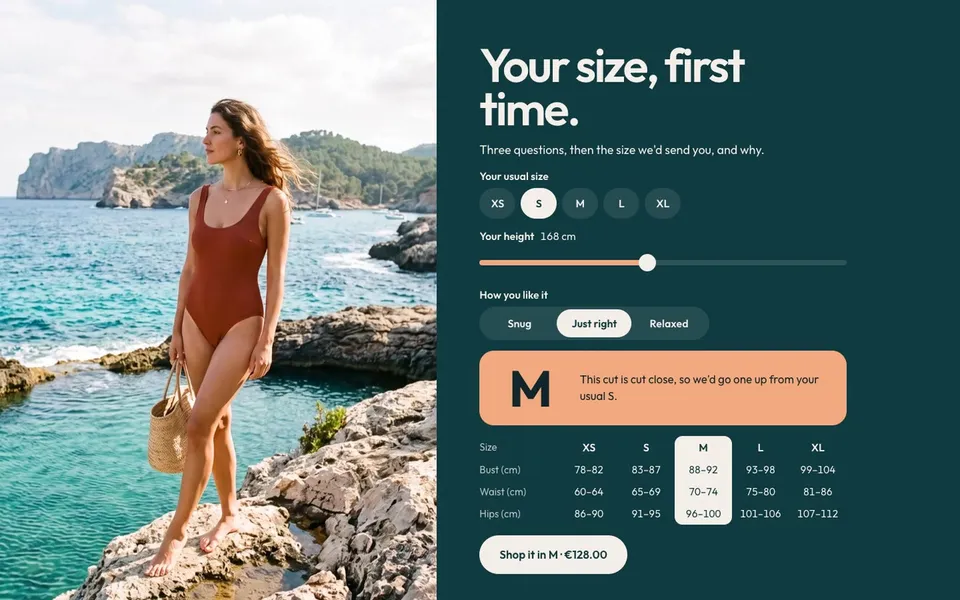
The code is the small part. What decides whether this stays easy is where the chart's numbers live once you have forty products and three kinds of garment.
A sticky add to cart bar for Shopify, without an app
The version you'll find in most snippets buys the wrong variant sooner or later. The fix is to stop building a second cart and press the theme's real button.
How to add a countdown timer to Shopify without an app
A countdown is one of the easiest things to build into your theme yourself. Here is a complete section, how to install it, and how to use it without annoying your customers.
How to add a free shipping progress bar to Shopify without an app
"You're €12 away from free shipping" is one of the simplest ways to lift order value. Here is a section that does it from your theme, with the cart's real total.
Custom section not showing in the Shopify theme editor? Here's the fix
You uploaded the section, the file saved, and it isn't in the "Add section" list. Almost every case comes down to one of nine causes. Work through them in order.
Blocks are what let a merchant add, remove and reorder the pieces of a section without touching code. Here is how to define them, render them and make the theme editor treat them properly.
How to make a Shopify section editable in the theme editor
If changing a word on your store means opening the code, the section isn't finished. This guide shows how to move every word, image and colour into settings the merchant can edit.
Describe the section you want. Klorr writes the Liquid, the CSS, the schema and every theme-editor setting — code that lives in your theme and stays yours.