Shopify feature sections
Benefit grids, icon rows, stat strips and step-by-step explainers, for the part of the page where a visitor decides whether this is for them.
- Icon Trust Bar
 mrkless297 installsPrice€4With a plan€3-25%
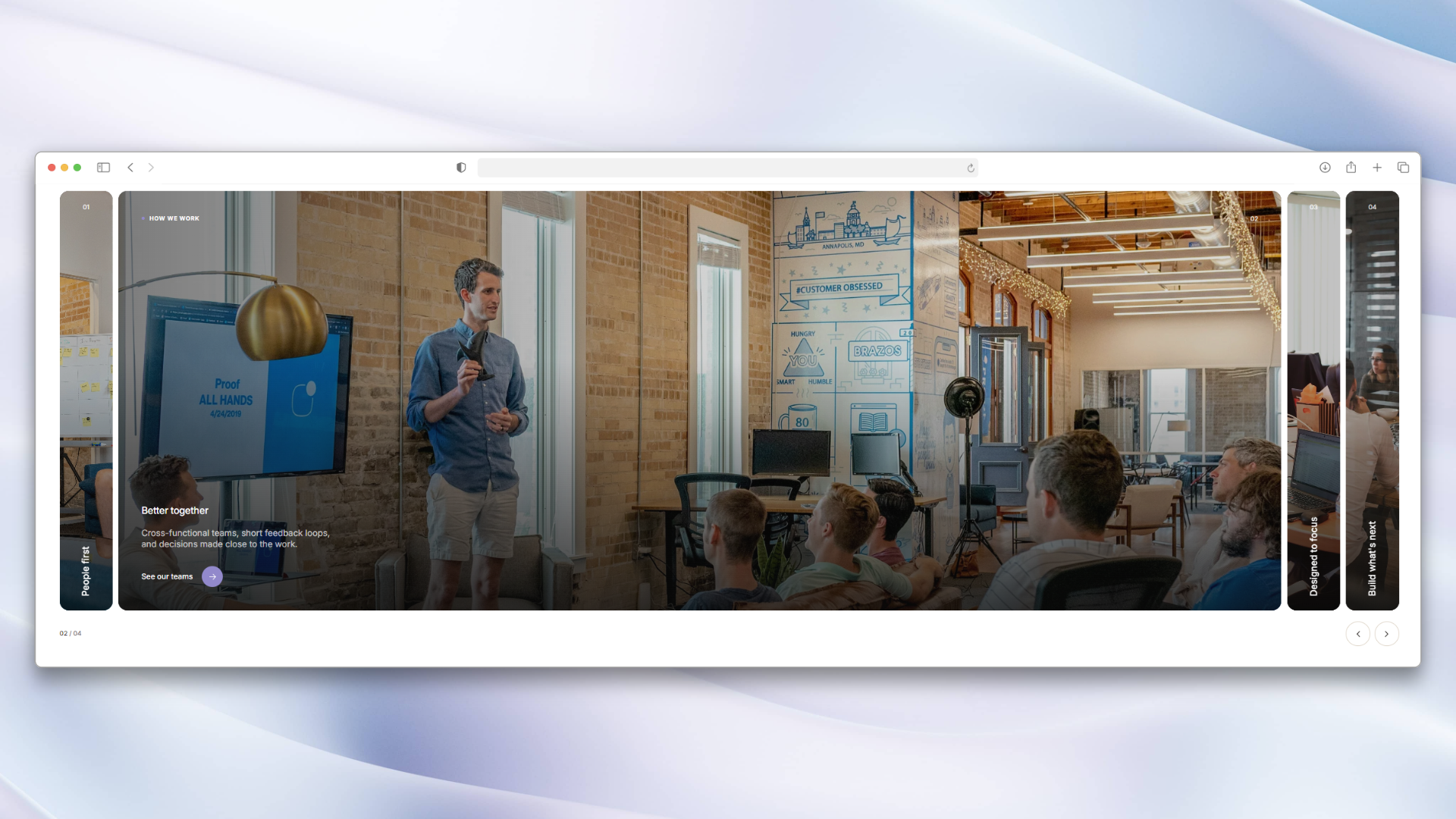 Expanding Photo Panels — Interactive Image Accordion
 chuck-linNewPrice€4With a plan€3-25%
- Momentum Feature Grid
 KlorrNewPriceFreeMade byKlorr
- Timeline Steps
 flowst8136 installsPrice€5With a plan€4-20%
- Stats Counter Strip
 ledgerline_uk69 installsPrice€5With a plan€4-20%
- Blade Timeline
 em_editNewPrice€7With a plan€5-29%
- Stockist Map
 lena_shipsNewPrice€4With a plan€3-25%
- Rewards Island
 finn2funnelsNewPrice€7With a plan€5-29%
- Trail Map 3D
 niaaa_27NewPrice€7With a plan€5-29%
- Halftone RevealmrklessNewPrice€5With a plan€4-20%
- Ingredient Orbit 3D
 thyme4codeNewPrice€7With a plan€5-29%
- Shipping Globelena_shipsNewPrice€7With a plan€5-29%
- Ritual Scrollthyme4codeNewPrice€4With a plan€3-25%
What a Shopify feature section is for
Feature sections explain why your product is worth it: the benefits, the numbers, how it works, where it ships and the story behind the brand. They sit in the middle of a page, where a visitor who is interested wants a reason to believe.
Keep each one to a single idea. A row of trust badges, a few key numbers or the three steps of using the product will do more than a long block of text.
What to look for
- Short headings with one idea each
- Icons or pictures you can swap
- Numbers and steps you can edit
- Animation that never hides the words
Every section here installs the same way: how to add a custom section to Shopify. Need one that is not here? Generate it with Klorr.
Questions, answered
How do I show product features on Shopify?
Add a feature section to the product or homepage template and fill its blocks with one benefit each. Blocks can be added, removed and reordered in the theme editor.
What should a features section on a store include?
Three to six benefits a shopper cares about, each with a short heading, one line and an icon or picture. Proof such as numbers, guarantees or reviews makes it stronger.
Can I add trust badges to Shopify without an app?
Yes. A trust-badge section is plain Liquid with an icon, a title and a line per badge, edited in the theme editor.